
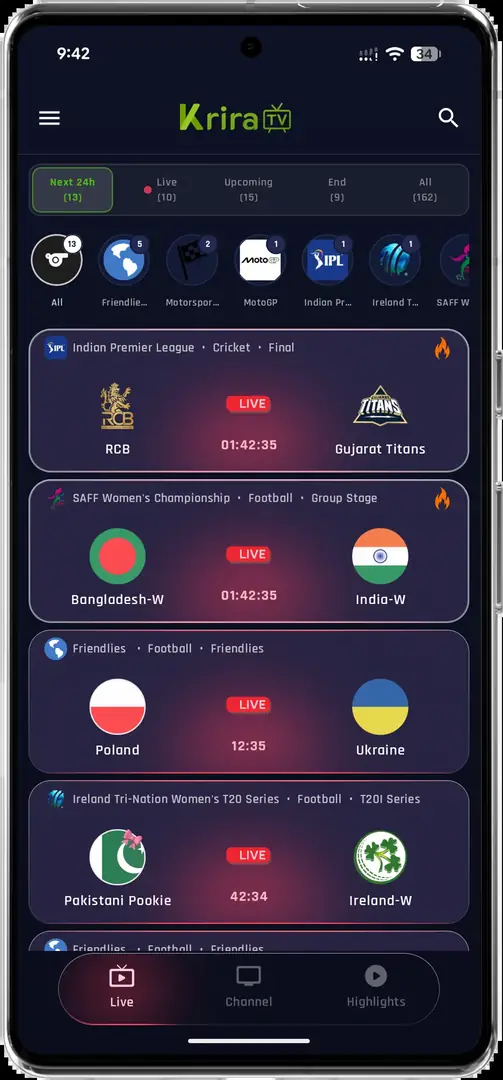
Why the Krira TV APK cannot install on iPhone
APK is the Android application package format. iOS uses a different application format, signing system and distribution process. Renaming app-release.apk to .ipa, opening it in Files or sending it through a third-party installer does not convert Android code into an iPhone app.
A legitimate iOS version would normally have a publisher identity, supported-device information, privacy details and a verifiable distribution path such as the Apple App Store or a documented publisher program. We did not find enough evidence to claim that such a Krira TV release currently exists.
Krira TV Wiki does not provide an IPA file, enterprise certificate or configuration profile.
How to verify a future iOS release
Start from the app publisher's current website rather than a search ad or a page using the brand name in its domain. Follow its App Store button and confirm that the store listing identifies the expected developer. Read the privacy label, version history, age rating and supported iOS versions before installing.
If a website asks you to install a configuration profile, trust an enterprise certificate, disable security protections or enter your Apple Account outside Apple's own interface, stop. Those steps are not an ordinary App Store installation. TestFlight links can be legitimate, but they should be clearly issued by the developer and can expire.
- Find the publisher sourceUse the current publisher website or verified social channel.
- Open the App Store listingConfirm the developer, version history and supported devices.
- Check the destinationThe page should remain on an Apple-controlled App Store or TestFlight domain.
- Review privacy and permissionsUnderstand data collection and requested device access before installing.
Safe alternatives for iPhone and iPad users
If no native app exists, use official broadcaster apps, licensed sports services or a documented web version available in your country. A browser shortcut can place a legitimate website on the home screen, but that does not transform the Android APK into an iOS app.
You can also use the Android release on a separate compatible Android device. Do not jailbreak an iPhone simply to pursue an Android-only application; jailbreaking changes the device security model and still does not make Android APK code native to iOS.
| Option | Works on iOS | What to verify |
|---|---|---|
| Verified App Store app | Yes | Publisher identity and version history |
| Official browser service | Yes | Correct domain and content rights |
| Android APK | No | Use only on compatible Android devices |
| Unsigned IPA from a mirror | High risk / unverified | Avoid without a documented publisher source |
| Configuration profile download | Not an ordinary app install | Do not trust unknown profile issuers |
Common fake iOS download signs
Pages targeting “Krira TV IPA free” or “Krira TV iOS unlocked” may show fake progress bars, survey gates or device-cleaner advertisements instead of an application. A profile-install prompt, calendar subscription or notification permission is not proof of an app download.
Close the page if it repeatedly redirects, asks for payment details before identifying a developer, or tells you to ignore an Apple warning. Report misleading use of the brand to the relevant hosting provider or through our DMCA contact when the material also affects this site.
Krira TV for iOS: native app versus browser access
A native Krira TV for iOS release and a website opened in Safari are different products. A native app would be installed through a verified Apple distribution path, appear under iPhone Storage, receive signed updates and declare its privacy practices. A browser page remains a website, uses Safari's storage and permissions, and can be saved to the Home Screen only as a shortcut or progressive web app when the site supports it.
Check the address bar before using any browser alternative. A secure connection protects data in transit but does not prove that a domain is operated by the app publisher or licensed to show every event. Confirm the domain through a publisher-controlled source, understand sign-in and subscription terms, and avoid pages that open repeated tabs or demand notification permission before showing basic information.
AirPlay or screen mirroring also does not create a native iPhone application. It sends supported media or a screen view from one device to another. Playback rights, source quality and app compatibility still apply. Do not install an unknown profile merely to enable casting; ordinary AirPlay discovery uses Apple's built-in controls on compatible networks.
| Experience | How it is delivered | Where to verify it |
|---|---|---|
| Native iPhone app | Signed App Store or documented TestFlight build | Apple listing, developer and version history |
| Safari website | HTTPS web page | Publisher-controlled domain and site policy |
| Home Screen shortcut | Safari shortcut or supported web app | Same verified website URL |
| AirPlay or mirroring | Built-in device sharing | Apple device controls and authorized source |
| Android APK | Android installation package | Not compatible with iPhone or iPad |
Krira TV for iOS availability checks
Krira TV for iOS availability checks begin with operator identity, distribution and privacy evidence. Before signing into a sports service, identify who operates it, what account data it collects and whether a subscription is required. On iOS, review the App Privacy section for a native listing or the privacy policy for a browser service. Be cautious when a page asks for an Apple Account password outside an Apple-controlled sign-in sheet.
Limit notification, tracking, Bluetooth, local-network and photo access to features you actually use. A video service may need local-network permission for casting, but it should explain that purpose. Delete unrecognized profiles under Settings only after checking Apple's guidance, and change credentials promptly if they were entered on a suspicious download page.
The current Krira TV for iOS availability checks do not justify a download button on this site. Publishing a false IPA would satisfy neither the search intent nor the platform's security model. This page will change only when a verifiable native listing or publisher-documented iOS path can be recorded.
Krira TV for iOS was not verified on July 30, 2026. The Android APK remains incompatible with iPhone and iPad.
Krira TV for iOS FAQ
Can I install Krira TV APK on iPhone?
No. APK files are Android packages and do not install on iOS.
Is Krira TV in the Apple App Store?
We found no verifiable listing during the July 30, 2026 review.
Can I rename the APK to IPA?
No. Renaming a file does not convert its code, signing or platform format.
Should I install an enterprise certificate for Krira TV?
Not from an unknown site. A certificate prompt is not a normal consumer App Store installation.
What can I use instead?
Use verified broadcaster apps, licensed sports services or an official browser service available in your region.