
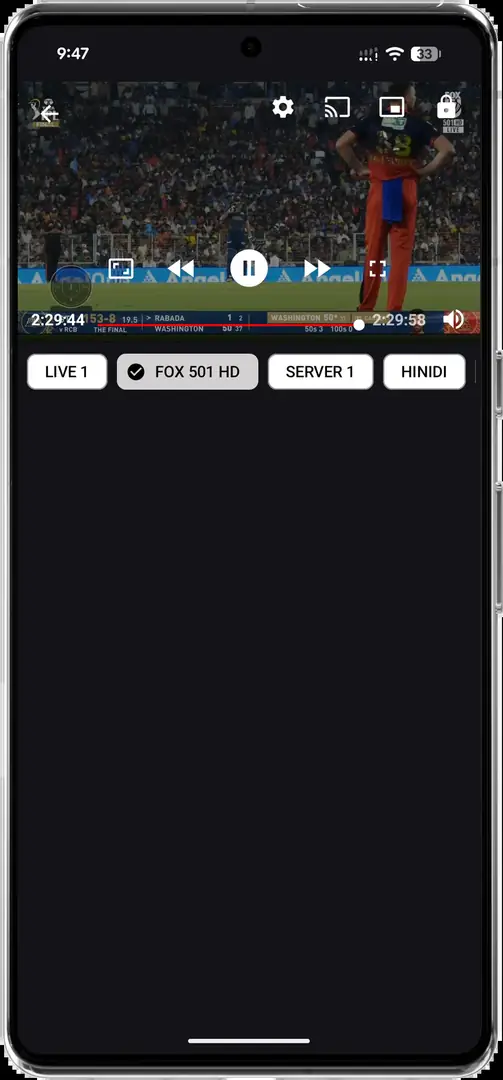
Does Krira TV require an SS Player?
No verified publisher documentation shows that Krira TV requires SS Player. The app has a visible built-in player, so a search result connecting the two names may reflect an external-player request, older instructions or a third-party bundle rather than an official dependency.
If Krira TV exposes Open with or External player, use the normal Android handoff and choose a player from a recognized store or publisher site. Do not install a combined APK, pay for an undocumented activation code or extract hidden URLs to force compatibility.
This site does not provide a combined Krira TV + SS Player package, activation key or private playlist.
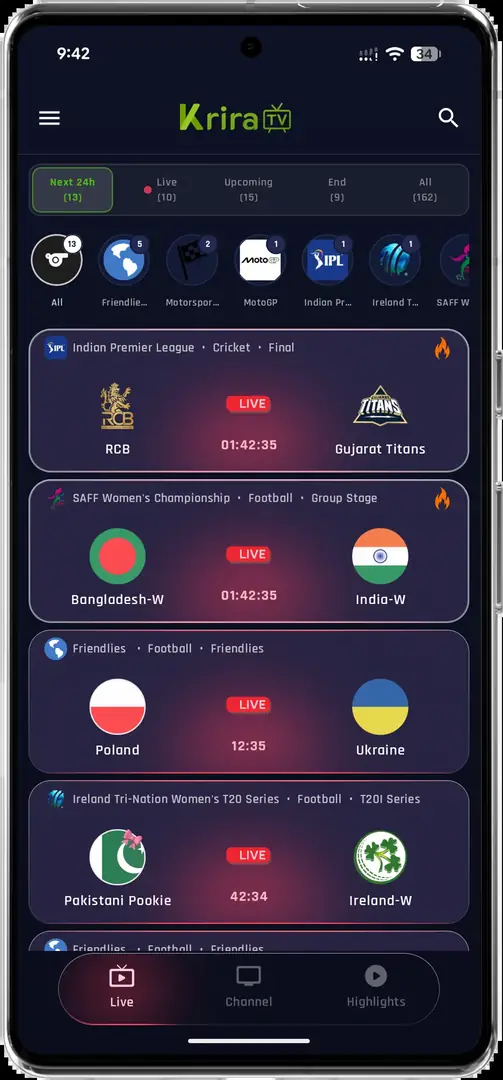
How an external player handoff normally works
Android apps can send a media URL to another installed player through the system Open with menu. If Krira TV exposes an External player option, selecting it should display compatible apps already installed on the device. The receiving player then handles decoding and playback while the original app supplies the authorized stream address.
If there is no external-player command, copying hidden URLs, modifying the APK or extracting private endpoints is not a normal setup step. Do not use tools that promise to bypass access controls. A lawful playlist that you own or are authorized to use can be opened in a compatible player according to that player's documentation.
- Look for a normal handoffOpen a stream and check the player menu for Open with or External player.
- Choose an installed playerSelect a player obtained from its legitimate store or publisher.
- Use only authorized sourcesDo not paste leaked, paid or unknown playlists into any player.
- Review permissionsA media player should not require unrelated contacts, SMS or accessibility access.
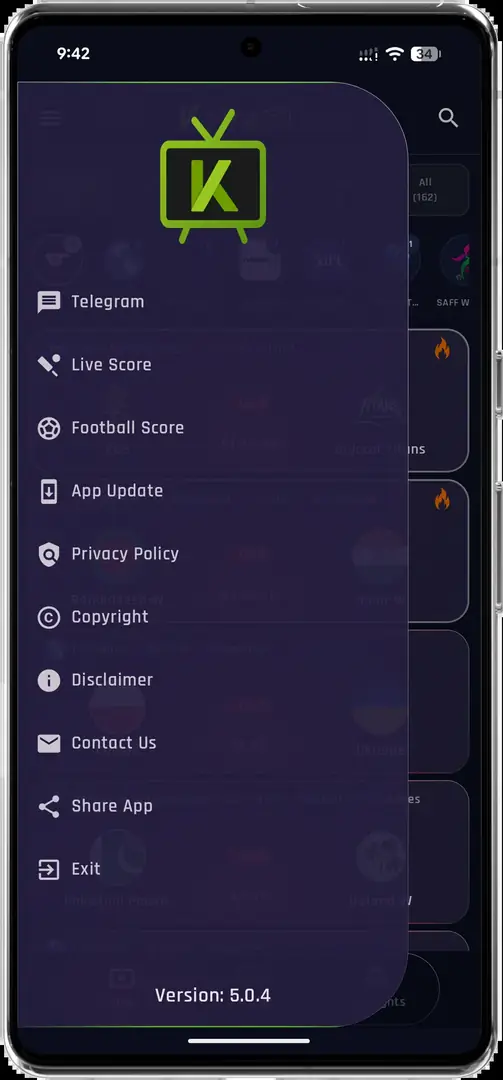
Avoid fake SS Player APKs and activation pages
Be cautious when a page combines the app names with words such as mod, unlocked, premium code, unlimited playlist or bypass. Those promises do not establish compatibility and can indicate a repackaged installer. A player asking you to disable all Android security, install a certificate or grant Accessibility control deserves additional scrutiny.
Never enter banking, email or social credentials into an activation page reached from an unknown playlist. Do not share a device identifier unless the player publisher clearly explains why it is needed and how it is stored. When possible, use a well-known open media format and a player distributed through a recognized store.
- Avoid combined or modified APK bundles.
- Reject pages selling undocumented Krira TV activation codes.
- Do not install device certificates for ordinary playback.
- Do not grant Accessibility or device-admin access to a media player.
- Use only playlists and streams you are authorized to access.
External playback troubleshooting
If the Open with menu is empty, install a legitimate compatible player and restart the app. If the receiving player opens but reports an unsupported address, the stream may require headers, authentication or a format that is intended only for the built-in player. That is not a reason to bypass the application's access design.
Audio without video can indicate an unsupported codec or hardware-decoder problem. Try the player's documented software-decoding option. Repeated buffering usually reflects network or source-server conditions; lower the quality when available. If only one event fails, the remote source is more likely than the player installation to be the cause.
| Symptom | Safe next step |
|---|---|
| No external player option | Use the built-in player; do not modify the APK |
| Player cannot open URL | Confirm the source is authorized and supported |
| Audio only | Try the player's documented software decoder |
| Constant buffering | Lower quality and test another network |
| Activation demanded | Verify the demand in official player documentation before proceeding |
Choose and review an external player safely
A suitable external player should identify its publisher, supported formats, privacy policy and update history before installation. Prefer a recognized app-store listing or the player's documented publisher website. Compare the store developer name with the privacy-policy owner, read recent update notes and check whether support information is real. A copied logo or a page title containing SS Player for Krira TV does not establish a product relationship.
Review permissions before opening a stream. A normal media player may need network access, audio controls and limited file access when you open local media. Contacts, SMS, call logs, Accessibility, device administration and unrestricted background location are not ordinary requirements for playing a supplied video address. Deny unrelated permissions and remove the player if it refuses to work without them.
Keep the built-in Krira TV player as the baseline. Test the same authorized stream in the built-in player before blaming an external player, and change only one setting at a time. If hardware decoding fails, try the player's documented software decoder; if both players buffer, investigate the connection or remote source. This comparison prevents repeated reinstalls that cannot repair a server-side problem.
| Review point | Expected evidence | Warning sign |
|---|---|---|
| Publisher | Consistent developer identity and support page | Different names across store, site and policy |
| Distribution | Recognized store or documented publisher download | Combined Krira TV and player bundle |
| Permissions | Network, audio and limited media access | SMS, contacts, Accessibility or device admin |
| Updates | Dated release history | Undocumented premium or unlocked build |
| Playlist use | Source you own or may access | Leaked, resold or bypass playlist |
SS Player for Krira TV remains a search phrase, not a verified official integration. Use only a normal Android player handoff and authorized media sources.
SS Player for Krira TV FAQ
Is SS Player officially made for Krira TV?
No verified publisher documentation was found. The two names appearing together in search results does not prove an official integration.
Do I need SS Player to watch Krira TV?
Not according to the evidence checked. Krira TV shows a built-in player; use an external player only when the app provides a normal handoff.
Where can I get an SS Player APK for Krira TV?
Do not download a combined or modified APK merely because it uses both names. Verify the player publisher and distribution source independently.
Can I paste any IPTV playlist into a player?
No. Use only playlists and streams that you own or are authorized to access.
Why does an external player show an error?
The address may be unsupported, authenticated, expired or intended for the built-in player.